
Services / 05

AI & Business Automation

Reduce repetitive work and improve customer follow-up with practical AI, connected CRM systems, and measurable automation. We map the workflow first, then build reliable solutions with appropriate approvals, privacy controls, and human oversight.

AI assistantsCRM & workflowsSystem integrations
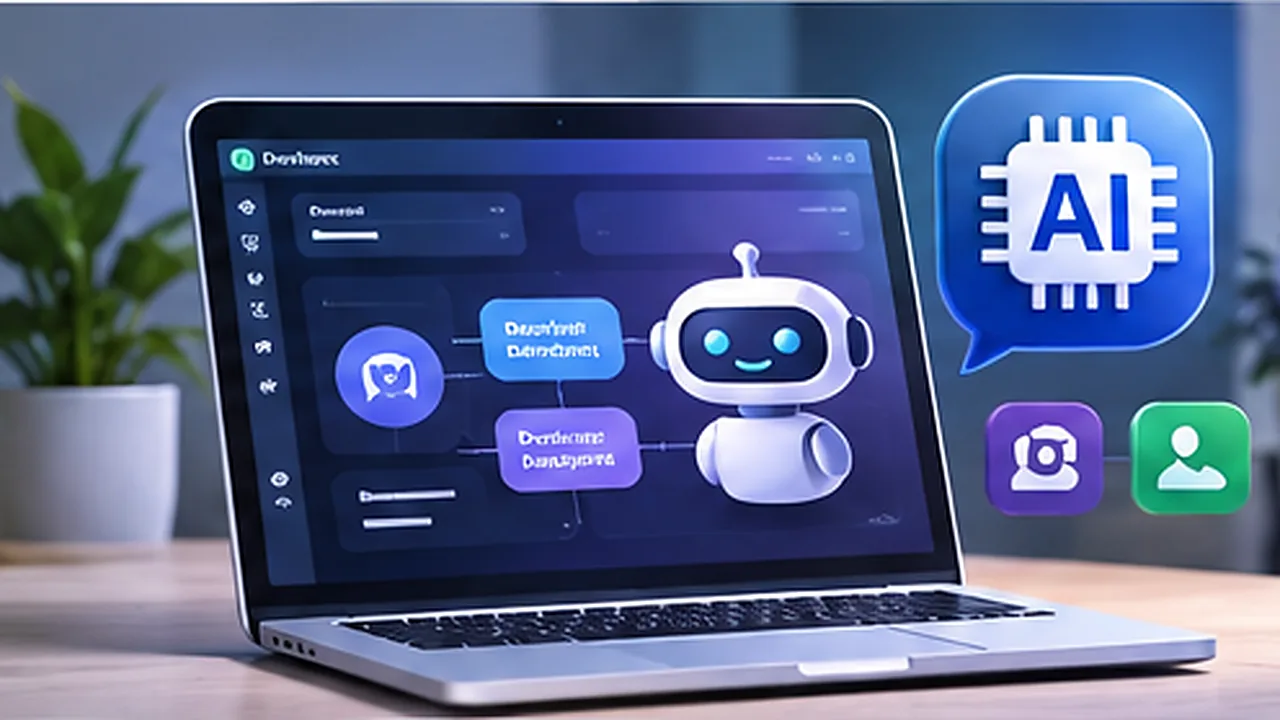
Illustrated business automation dashboard with assistant and connected workflows
Illustrative service concept

Built for your next step

Less busywork. Better customer experiences.

The best automation starts with a clearly understood task. We look at how information arrives, who checks it and what should happen next. Then we connect the tools and introduce AI where interpretation or drafting is useful. The goal is a manageable workflow with visible progress, accountable decisions and a reliable way to handle exceptions.

For growing teams spending too much time moving information, sorting requests or repeating the same administrative tasks.

What we build

Built around the way you work.

Choose a focused solution or combine capabilities in an agreed project scope.

01

Knowledge assistants & support triage

Assistants that search approved help content, answer bounded questions, reference their sources and route unresolved requests to a person. Access follows the user’s permissions; missing information should lead to a clear handoff.

02

Lead intake & customer follow-up

Capture website inquiries, classify the request, create a CRM record and assign a responsible team member. Prepare a response draft or reminder while keeping approval and external sending under explicit controls. CRM setup, booking reminders and WhatsApp Business integrations are included only when supported, authorized and consistent with the platform’s messaging rules.

03

Document & invoice processing

Extract selected fields from documents, organize files and flag incomplete or inconsistent records for review. Examples include supplier invoices, application forms and intake documents; approved data can then enter your existing system.

04

Approvals & operational workflows

Route requests, gather approvals, send reminders and keep a visible status history. Connect forms, calendars, task boards and business systems so information moves consistently without repeated copying.

05

Reporting & assisted content work

Assemble operational summaries, draft routine updates, categorize feedback and prepare content for review. Source records stay traceable, and a responsible person checks factual accuracy before publication or a consequential action.

06

Connected tools & focused AI pilots

A single workflow connecting supported APIs, databases or automation platforms. Start with representative examples and one measurable improvement, then expand only after reliability, operating cost and team adoption are understood.

Features & connections

The details that make it useful.

Approved knowledge & permissions

Identify which sources may be used, who can access them and how they stay current. Sensitive information, retention and provider settings are considered before any live data enters the workflow.

Human decisions & clear boundaries

Review queues, confidence handling, approval steps and activity history. An assistant can prepare work; sensitive decisions and irreversible actions require the controls agreed for that workflow.

Evaluation & operational control

Test typical requests, missing information and misleading input. Monitor errors, usage and cost, set limits and provide a pause switch, retry rules and a manual fallback.

Delivery & handover

From a clear brief to a working product.

  1. 01

    Map and measure the work

    Document the current steps, time spent, error types and responsible people. Select one workflow with a clear benefit.

  2. 02

    Design a bounded pilot

    Choose rules, AI or a combination. Define sources, permissions, evaluation examples and the human review points.

  3. 03

    Test against real examples

    Compare output with the baseline. Review failure cases, integration retries and whether the workflow is useful to the team.

  4. 04

    Roll out with an owner

    Document operation, limits and escalation. Expand only when the pilot meets the agreed quality and cost criteria.

ILLUSTRATIVE WORKFLOW

A clearer path from inquiry to action

Illustrative workflow: a website inquiry becomes a structured record, an assistant proposes a category and response, and a team member reviews it before follow-up. Uncertain requests remain visible in a review queue.

  1. 01

    Receive the inquiry

  2. 02

    Classify and draft

  3. 03

    Review and approve

  4. 04

    Record the follow-up

An example of a possible project scope. This is not a client case study or a promise of results.

A USEFUL FIRST CONVERSATION

Bring the context. We’ll shape the plan.

Start a project
  • One repeated workflow and the people involved
  • Examples with sensitive information removed
  • The tools, documents and permissions it depends on
  • A baseline for time, quality or errors to improve

BEFORE WE BEGIN

Useful questions

Does every workflow need AI?

No. Straightforward automation is often easier to test and maintain. We use AI when it adds a clear benefit.

Can it work with our existing tools?

We review supported APIs, access permissions and data flows before promising an integration.

How do we know it helped?

We compare the pilot with an agreed baseline: time, error types and quality on representative examples.

Can the assistant use our documents?

Yes, when access and use are approved. We review document quality, permissions, update frequency and retention before selecting the retrieval approach. Answers should point back to approved sources where useful.

Will automation replace our team’s judgment?

The workflow is designed around responsibilities you approve. It can prepare information and handle routine steps, while people review exceptions and retain control of sensitive decisions.

How are ongoing AI costs managed?

We estimate usage during the pilot, track provider and automation costs, and agree limits and alerts. Model changes or higher volume may need a fresh evaluation rather than an automatic expansion.

LET’S BUILD WHAT’S NEXT

Ready to discuss this service?

Share your goal and the most important workflow. We’ll help define the next useful step.

Start a project